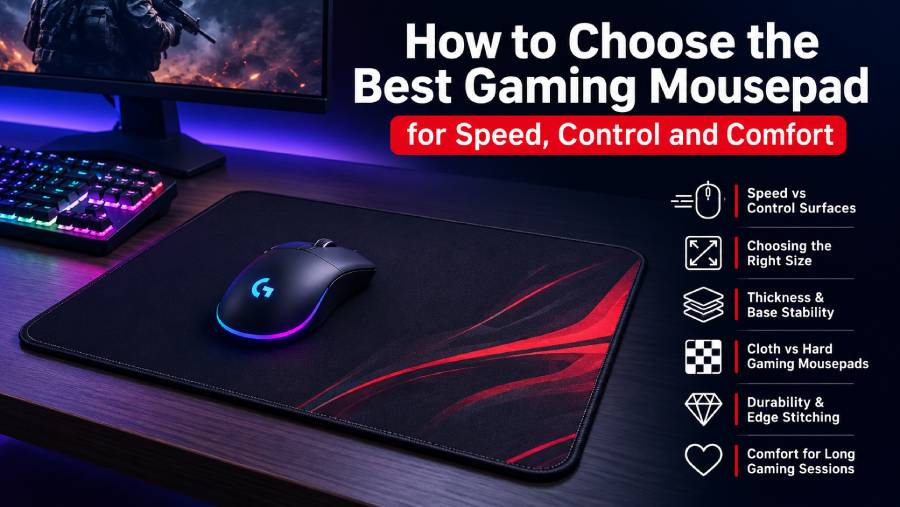
A gaming mousepad may look like a simple desk accessory, but it can have a noticeable effect on accuracy, comfort, and consistency during long gaming sessions. The right surface helps a mouse sensor track smoothly, supports controlled movements, and gives players enough space to aim without interruption. Whether someone plays competitive shooters, strategy games, battle royales, or casual titles, choosing the right gaming mousepad can improve both performance and the overall desk setup.
Why a Gaming Mousepad Matters
A standard desk surface is not always ideal for a gaming mouse. Some desks are glossy, uneven, dusty, or too rough, which can affect how the mouse sensor reads movement. A gaming mousepad provides a consistent surface designed for reliable tracking.
Consistency is especially important in games that depend on precise aiming. If the mouse glides differently from one part of the desk to another, muscle memory can become less reliable. A dedicated mousepad creates a predictable feel that makes repeated movements easier to learn.
Speed vs. Control Surfaces
One of the biggest differences between gaming mousepads is how fast or controlled the surface feels. Speed-oriented pads have smoother textures that allow the mouse to glide with less resistance. They can suit players who prefer quick flicks, fast repositioning, and low-friction movement.
Control-oriented pads offer more stopping power. The surface creates slightly more resistance, making it easier to slow the mouse precisely after a fast movement. This can be helpful for tactical shooters and players who value stability over maximum glide.
Some gaming mousepads are designed to offer a balance between speed and control. These hybrid surfaces can work well for users who play multiple game genres and do not want an extreme feel in either direction.
Choosing the Right Gaming Mousepad Size
Size is another important factor. Small mousepads may be enough for users with limited desk space or high mouse sensitivity. However, competitive gamers who use low sensitivity often need much more room for wide arm movements.
Large and extended gaming mousepad designs cover a significant portion of the desk and may provide space for both the keyboard and mouse. This can create a cleaner setup while also giving the mouse a larger uninterrupted movement area.
Before buying, it is useful to measure the available desk space. A mousepad should fit comfortably without hanging over the edge or forcing the keyboard into an awkward position.
Thickness and Base Stability
The thickness of a gaming mousepad affects both comfort and surface consistency. Thicker pads can provide extra cushioning for the wrist and may help smooth out minor desk imperfections. Thinner pads sit closer to the desk and can feel more direct.
The base material is equally important. Most cloth gaming mousepads use a rubber or anti-slip base to prevent movement during fast gaming sessions. A pad that slides around can be distracting and may reduce aiming consistency.
Cloth vs. Hard Gaming Mousepads
Cloth gaming mousepads are popular because they offer comfort, flexibility, and a wide range of surface textures. They are usually quieter and provide more cushioning under the hand.
Hard mousepads are typically made from plastic, resin, glass, or other rigid materials. They can offer faster glide and are often easier to wipe clean. However, they may feel less forgiving and can wear mouse feet differently depending on the surface.
The best choice depends on personal preference. Players who like controlled movement often prefer cloth, while those who want a fast, low-friction feel may consider a hard gaming mousepad.
Edge Stitching and Durability
A quality gaming mousepad should be built to handle repeated use. Stitched edges can help prevent cloth layers from fraying or separating over time. This is particularly useful for large pads that receive constant contact from the wrist and forearm.
Surface durability also matters. Cheap materials may develop rough spots, bubbles, or inconsistent glide after extended use. A well-made mousepad should maintain a uniform feel across the entire surface.
Comfort for Long Gaming Sessions
Comfort is often overlooked when choosing a gaming mousepad. Players may spend several hours at a desk, so the surface should feel comfortable against the wrist and forearm.
A smooth edge, suitable thickness, and soft fabric can reduce irritation during repetitive movement. The mousepad should also work well with the user’s preferred grip style and seating position.
Design and Desk Aesthetics
Modern gaming mousepads come in minimalist designs, printed graphics, RGB versions, and extended desk-mat styles. Appearance does not directly improve performance, but it can help create a more organized and enjoyable gaming space.
For users building a coordinated setup, the gaming mousepad can connect the visual style of the keyboard, mouse, monitor, and desk.
Conclusion
The best gaming mousepad is the one that matches the player’s sensitivity, game type, desk size, and preferred balance of speed and control. Surface texture, size, thickness, base grip, durability, and comfort all influence the experience. Instead of choosing only by appearance, gamers should focus on how the pad supports consistent movement and long-term comfort. A well-chosen gaming mousepad can become one of the simplest and most useful upgrades to a gaming setup.